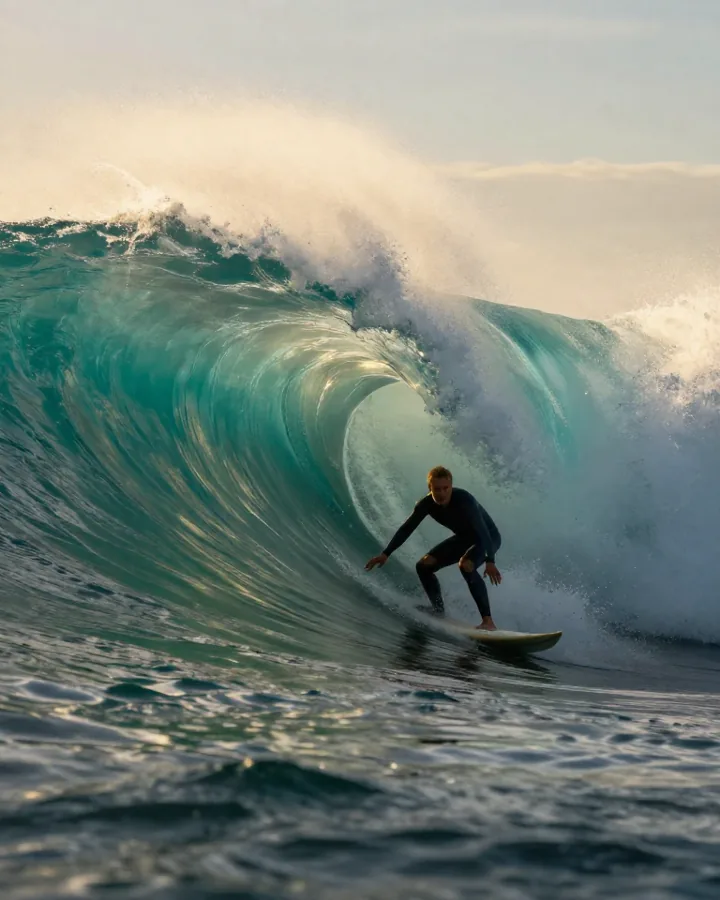
Auto captions: animated subtitles in one click.
Upload a video. Captions land on every word, burned in.
- 2 credits / 30 s of video
- 5 styles
- 15 languages
- Up to 180 s

How it works.
- 01
Upload a video
MP4, MOV, WEBM, up to 180 seconds and 50 MB.
- 02
Pick a style
The look, the position, the highlight colour.
- 03
Download
The captioned video lands in your library, ready to post.
What you get.
Credits per run. You see the exact price before you start, and failed runs are refunded.
- Price
- 2 credits per started 30 seconds
- Length
- 1 to 180 seconds
- File size
- Up to 50 MB · MP4, MOV, WEBM
- Languages
- 15 spoken languages, or detect it
- Styles
- 5 caption styles
What people use it for.
- 01Talking-head clips and podcasts cut for TikTok, Reels and Shorts.
- 02Videos people watch with the sound off.
- 03AI videos with dialogue, captioned before you post.
What it does.
Auto captions listens to your video, writes every word and burns animated subtitles into the picture, timed to the speech. Most short videos are watched with the sound off: captions keep people watching.
5 styles, from bold pop with the spoken word lit to clean two-line subtitles. Choose the position and the highlight colour. 15 languages, or let it detect.
- Timed to every word, burned into the video.
- 5 styles, top, middle or bottom, your colour.
- 15 languages, or detect it.
Questions.
15 spoken languages, including English, Spanish, French, German, Portuguese, Japanese, Korean and Chinese. On detect, it finds the language itself.
Up to 180 seconds and 50 MB, in MP4, MOV, WEBM.
Yes. They're part of the picture, so they show everywhere without a subtitle file.
2 credits per started 30 seconds of video. The price shows before you start.