AI background remover: a clean cut-out in one click.
Upload a photo. Get the subject alone, on a transparent background.
- 2 credits
- Up to 5 MB
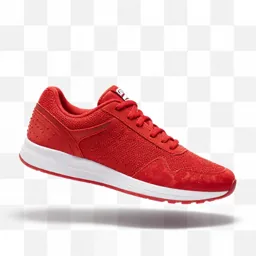
How it works.
- 01
Upload a photo
Up to 5 MB, or one from your library.
- 02
Remove
One click. Nothing to set.
- 03
Use the cut-out
Download it, or place it in a new scene.
What you get.
Credits per run. You see the exact price before you start, and failed runs are refunded.
- Price
- 2 credits per run
- File size
- Up to 5 MB
What people use it for.
- 01Product photos for marketplaces and stores.
- 02Thumbnails and ads on a bold colour.
- 03Cut-outs for new scenes with the image editor.
What it does.
The background remover finds the subject, a product, a person, a pet, and removes everything around it. You get a clean cut-out with tidy edges, on a transparent background.
Drop it on a plain colour for a marketplace, in a thumbnail, or into a new scene with the image editor.
- One click. No selection, no masking.
- Clean edges, even around hair and fur.
- 2 credits an image.
Questions.
The subject on a transparent background, ready for any colour or scene.
It's made for it, but very fine or blurred edges can need a second try with a sharper photo.
2 credits an image.
Yes. Open the cut-out in the AI image editor, or add it as a reference image in Nano Banana Pro, and describe the scene.
More tools.




Try Background remover.
One plan, every top model. You see the price before you start.
Get early access