Image to video AI: bring any picture to life.
Add a photo, say how it moves. It plays, with sound.
- From 20 credits
- Up to 15 s
- Up to 1080p
- 17 models
How it works.
- 01
Add a picture
Upload a photo, or pick one from your library.
- 02
Describe the motion
“Slow push-in, steam rising, she turns and smiles.”
- 03
Generate
Check the price on the button. The clip lands in your library.
What you get.
Credits per run. You see the exact price before you start, and failed runs are refunded.
- Models
- 17
- Resolution
- Up to 1080p
- Length
- 3–15 s
- Price
- From 20 credits
Models you can use.
17 models, one prompt box. Each card shows its cheapest run.
- ByteDanceSeedance 2.01080p4–15 sFrom 48 credits
- ByteDanceSeedance 2.0 Fast720p4–15 sFrom 40 credits
- ByteDanceNewSeedance 2.51080p4–15 sFrom 68 credits
- ByteDanceNewSeedance 2.0 Mini720p4–15 sFrom 20 credits
- GoogleVeo 3.11080p8 sFrom 536 credits
- GoogleVeo 3.1 Fast1080p8 sFrom 136 credits
- GoogleVeo 3.1 Lite1080p8 sFrom 72 credits
- KuaishouKling 3.01080p3–15 sFrom 42 credits
- KuaishouNewKling 4.01080p3–15 sFrom 111 credits
- GoogleGemini Omni Flash1080p4–10 sFrom 82 credits
- MiniMaxMiniMax H31080p4–15 sFrom 56 credits
- AlibabaWan 3.01080p3–15 sFrom 33 credits
- xAIGrok Imagine1080p6–15 sFrom 54 credits
- xAINewGrok Imagine 1.5720p3–15 sFrom 27 credits
- PixVersePixVerse V61080p3–15 sFrom 30 credits
- PixVerseNewPixVerse V6 Max1080p3–15 sFrom 36 credits
- ShengShuVidu Q41080p3–15 sFrom 60 credits




Prompts to try.
Copy one, or make it yours.
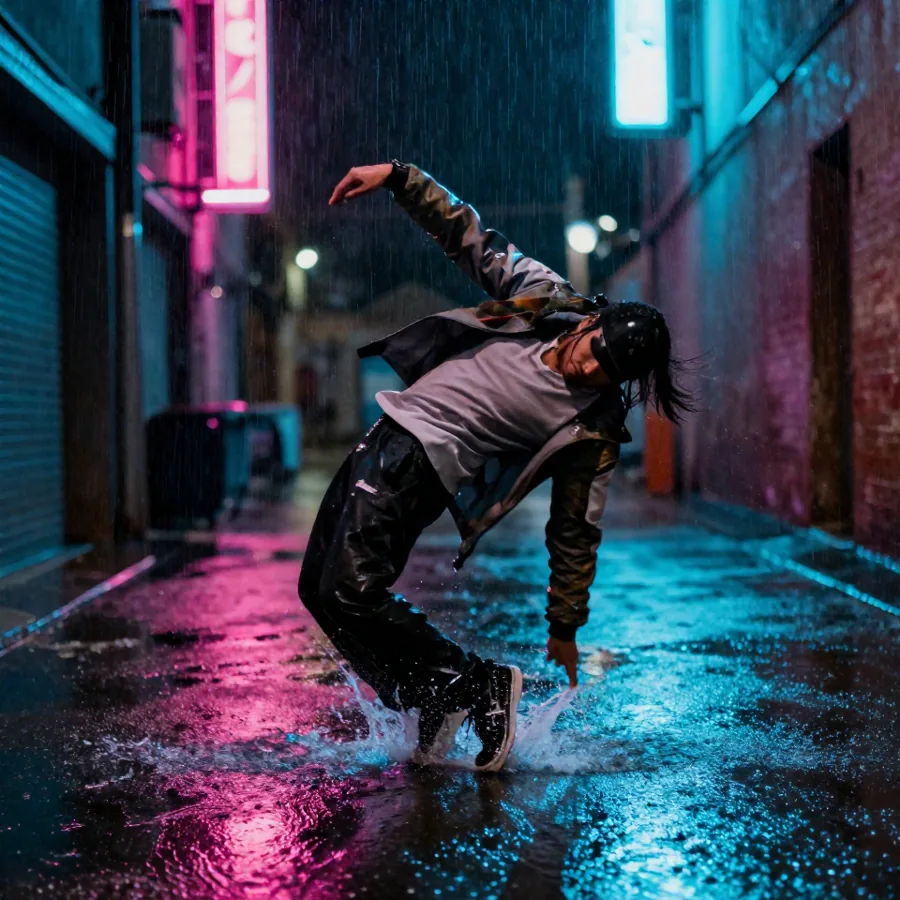
The woman in the photo turns to the camera, smiles and brushes her hair back, a light breeze, café sounds.
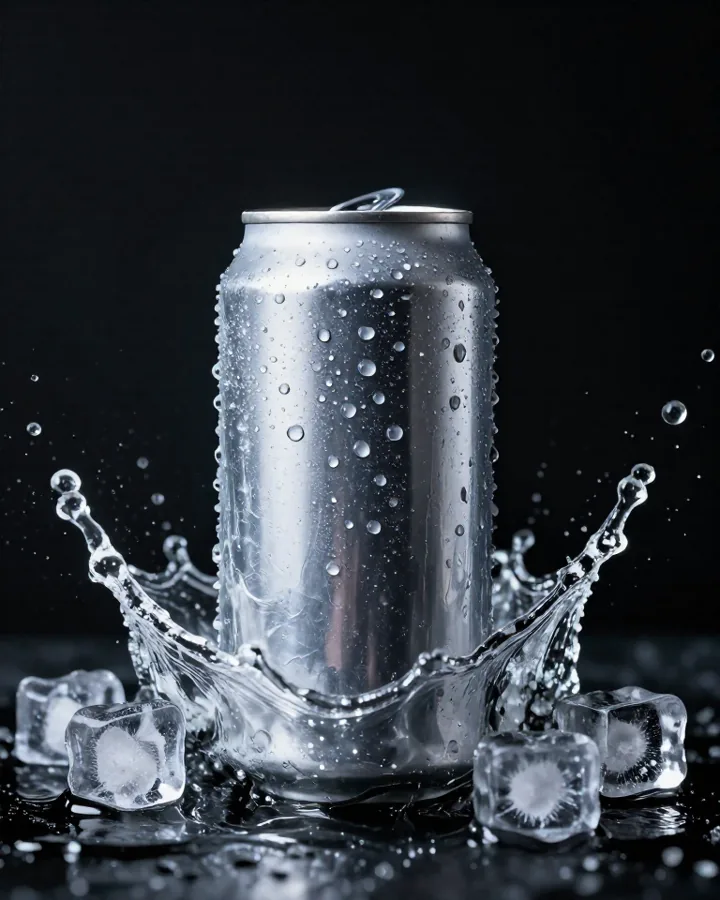
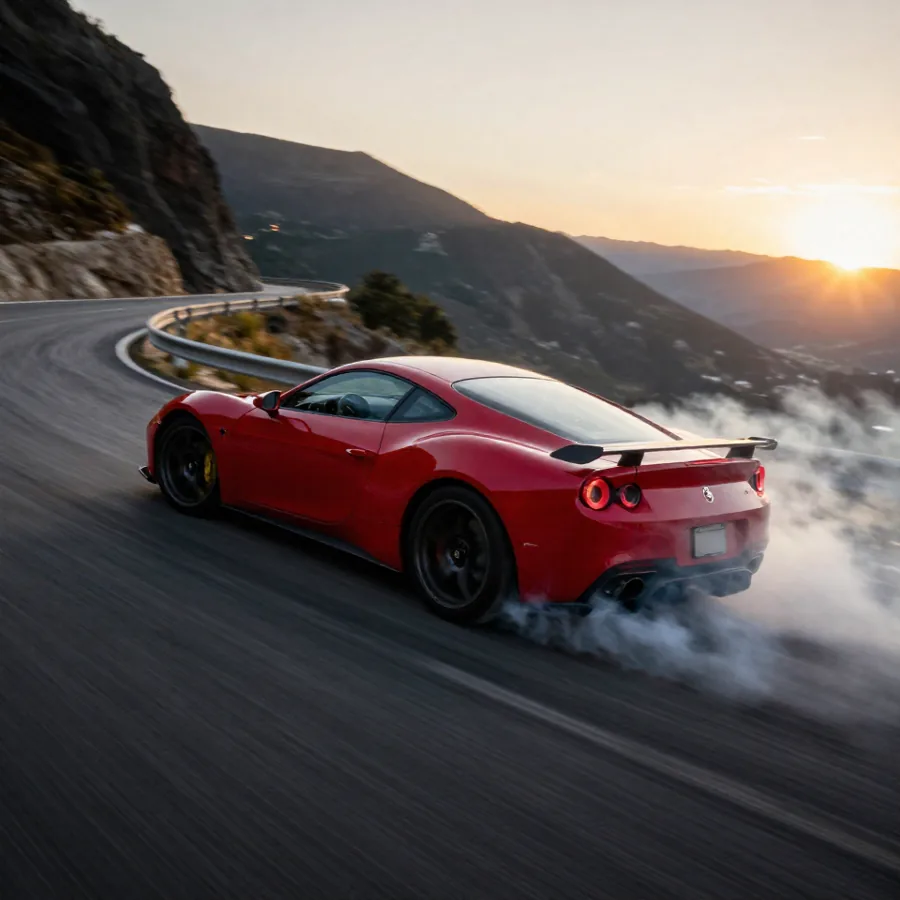
Slow push-in on the product as soft light sweeps across it, a few drops of water sliding down the glass.
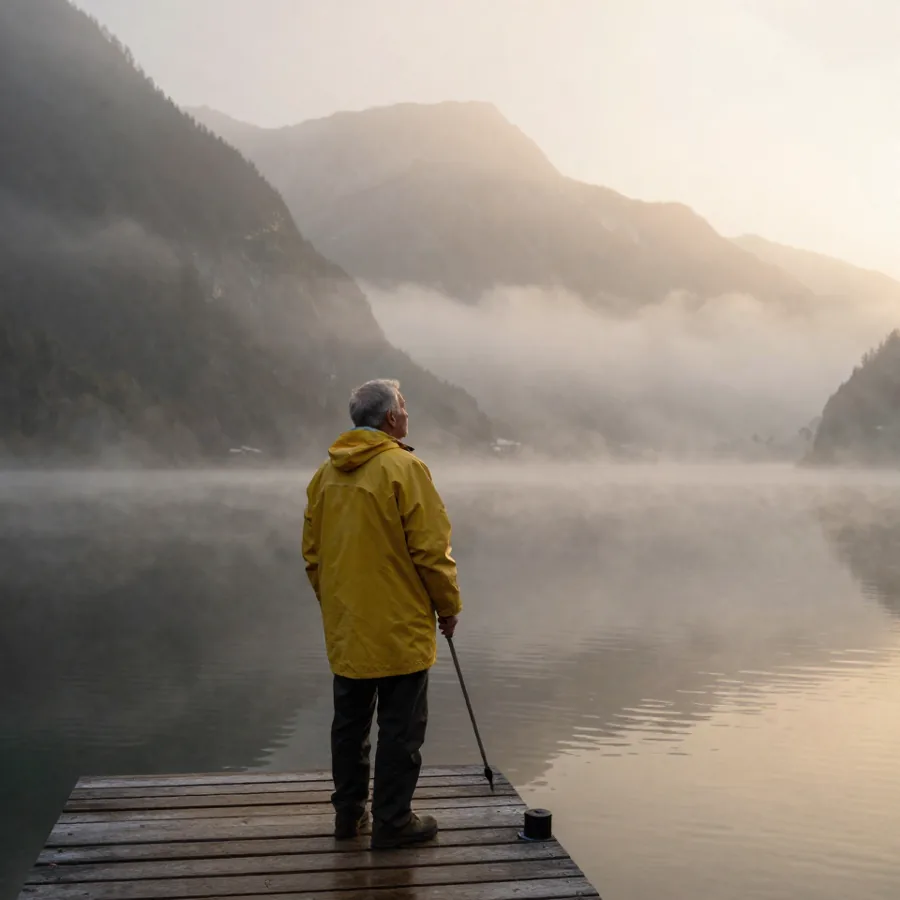
The landscape comes alive: clouds drift, the grass moves in the wind, birds cross the sky, slow aerial pull-back.
What it does.
Image to video uses your picture as the first frame of a clip: a product shot, a portrait, a landscape, or an image you made here. You describe the motion; the look stays yours.
All 17 video models take a start image, and some, like Grok Imagine 1.5 and Vidu Q4, are built only for it. It's the surest way to keep a product or a face exactly right.
- Your picture is the first frame: the face and the product stay yours.
- Describe the motion and the camera. Sound comes with it on most models.
- From 3 to 15 seconds, up to 1080p.
Questions.
Kling 3.0 and 4.0 for physical motion, Seedance for acting and sound, Grok Imagine 1.5 and Vidu Q4 for animating a picture. Try two on the same image and keep the best.
It starts exactly as it is, since your picture is the first frame. Small details like fine text can shift as things move: check the clip before you publish.
Only a photo you have the right to use, of someone who agreed. Never use AI video to put words in a real person's mouth.
The same as text to video with the same model: from 20 credits a clip. You see the price before you generate, and failed runs are refunded.
More tools.

Keep exploring
Tools
Comparisons