



What you need
One clear photo of the product: in focus, well lit, the whole product visible, ideally on a plain background. A phone photo by a window is enough. Then decide where the ad will run, because the format changes the framing: vertical for TikTok, Reels and Shorts, square for feeds, wide for YouTube and your website.
The plan below uses tools that all live in the same studio and the same credit balance: the background remover, the AI image editor or an image model, image to video, and the audio and caption tools.
Step 1: Clean up the photo
Remove the background so the product stands alone. A clean cut-out gives the image models a clear reference and stops a messy kitchen counter from following the product into every scene.
If the photo is small or soft, run it through the image upscaler first. Sharp edges and readable labels at the start mean sharper frames at the end.
Step 2: Put the product in a scene
Now place the product in the world of your ad. Add the cut-out as a reference image in Nano Banana Pro, which is made to keep a product identical across images, or use the AI image editor, and describe the scene: the surface, the props, the light, the mood.
Tell the model what must not change: “use the product in the reference image exactly as it is, same shape, colours and proportions”. Then check the label, the logo and any small print carefully before you go further: these are the details image models are most likely to alter.
Use the product in the reference image exactly as it is, same shape, colours and proportions. Place it on a sunlit kitchen counter next to a bowl of fresh lemons and a linen towel, soft morning light from the left, lifestyle product photography, no added text.
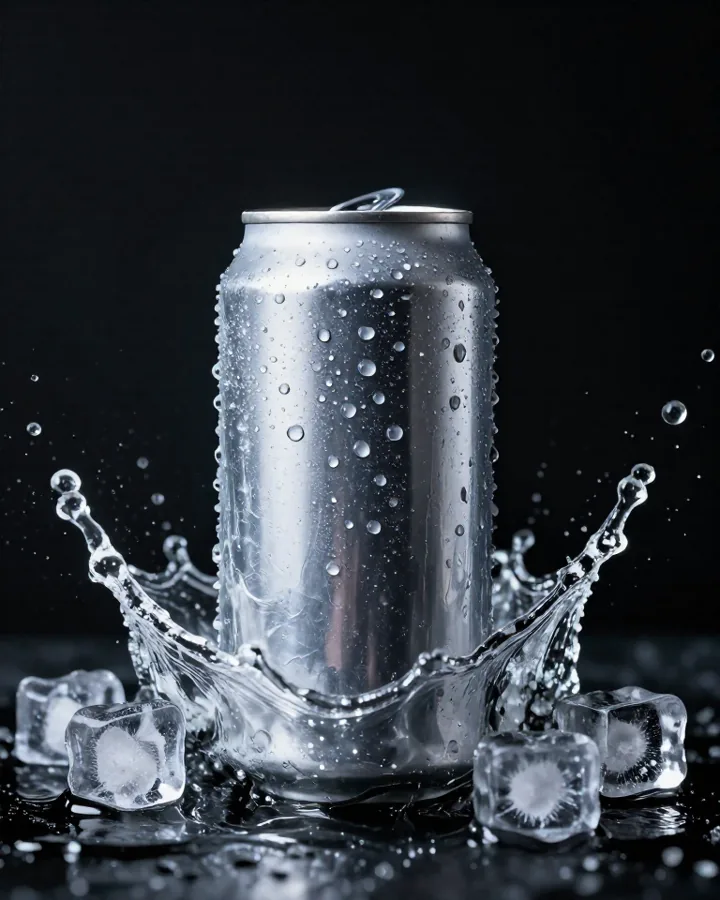
Use the product in the reference image exactly as it is. Place it on a wet black stone in a dark studio, a single spotlight from above, water droplets on the surface, premium and minimal, no added text.
Step 3: Animate it
Open image to video and use your best scene as the start frame. Because the picture is the first frame, the product starts exactly as you approved it. Describe the motion, not the picture: the camera move, the light changing, what happens around the product.
Slow, simple motion keeps the product intact: a slow push-in, a gentle orbit, light sweeping across, a splash, steam rising. Fast spins and hands handling the product are harder, and fine print can shift as things move, so keep those for later tests.
Draft with a light model with sound, like Seedance 2.0 Fast, then render the version you keep with Kling 3.0, known for physical motion, or Seedance 2.0 for richer sound.
Slow push-in on the product as soft light sweeps across it, a few drops of water sliding down the glass, a gentle chime.
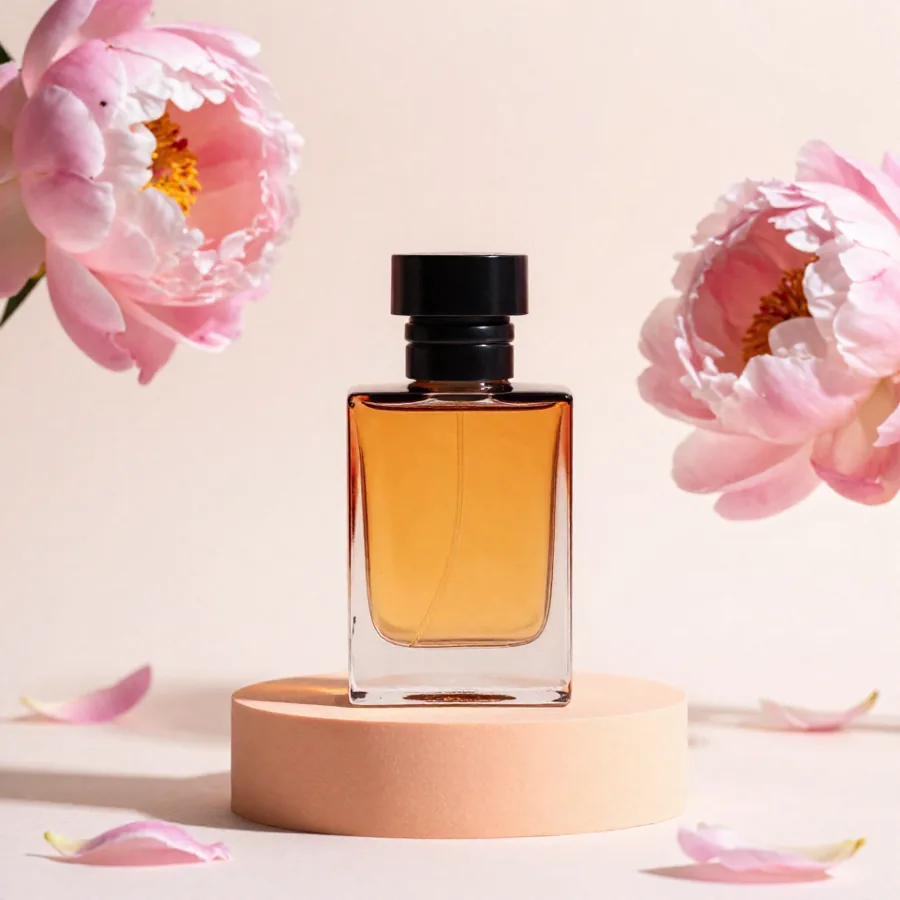
The camera slowly orbits the product on its pedestal, the background light shifts from warm to cool, soft electronic hum.
Step 4: Make a version for each platform
Generate each format from the start rather than cropping one video: a vertical 9:16 version for TikTok, Reels and Shorts, a square 1:1 for feeds, and a wide 16:9 for YouTube and your site. Recompose the scene for each one so the product stays in the centre of attention.
Short works best for product ads. Make several clips, one idea each: the reveal, the detail, the product in use, and join them in any editor.
Step 5: Add sound, a voice and captions
Most video models already add ambience and effects. For the rest, the audio tools fill in: a short track from the AI music generator, a line of voiceover from the AI voice generator, a whoosh or a pop from the sound effects generator.
Many people scroll with the sound off, so finish with auto captions: the spoken words appear on screen, timed to the voice.
Five ad styles to try
Swap in your own product. Each one works as a start frame plus a short motion prompt, or as a text prompt on its own.
Ultra slow motion studio shot: the product drops into a pool of crystal-clear water, sending up a crown of droplets that freeze in mid-air, glowing backlight, deep black background.
Close-up top-down shot on a light oak table: two hands lift the lid of a plain white box, fold back tissue paper and reveal the product. Soft daylight, ASMR sound of cardboard and paper.
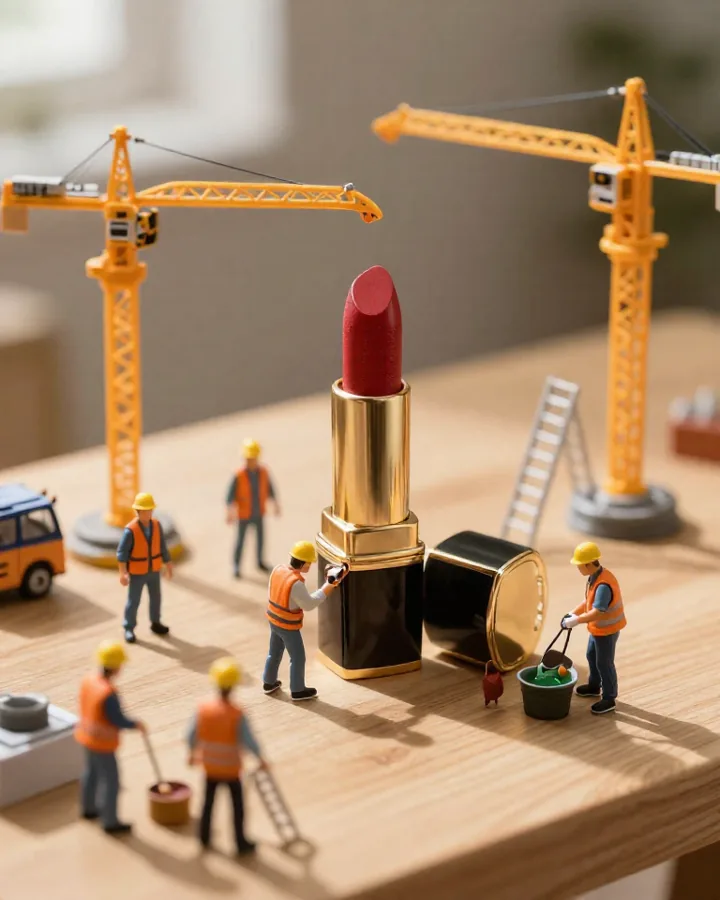
Tilt-shift miniature world: tiny workers in yellow hard hats polish and assemble the product on a wooden table, cranes lifting parts, warm afternoon light, playful time-lapse feel.
The product on a slowly rotating pedestal against a saturated yellow background, clean studio light, crisp shadows, a subtle click as it settles.
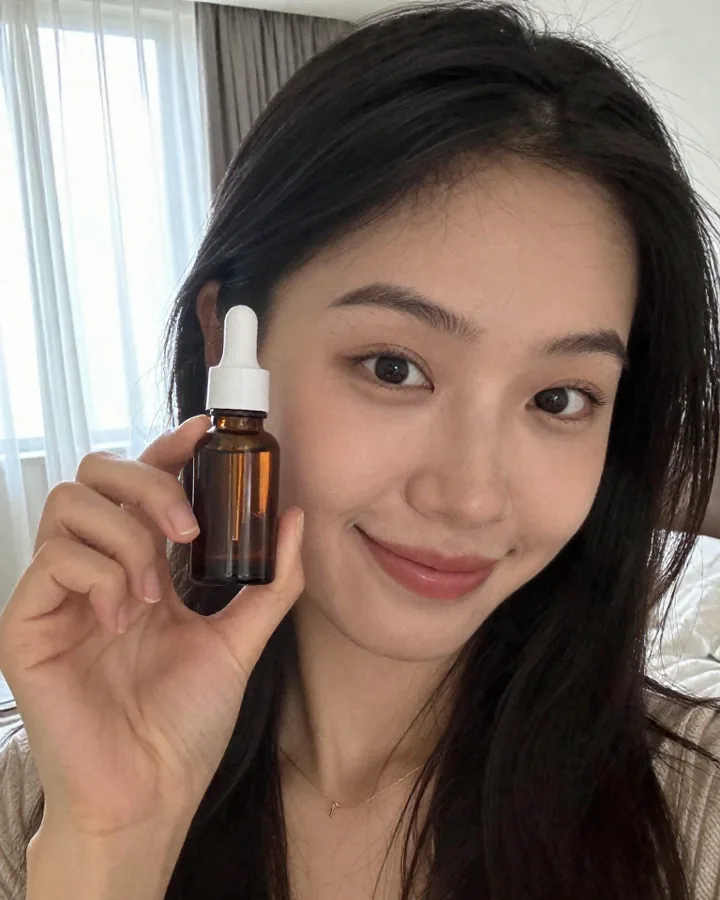
Vertical selfie video, natural window light: a woman in her twenties holds up the product, smiles and says: “Okay, I didn't expect to like this so much.” Handheld, authentic smartphone look.
Keep it honest
Show the product as it really is: an ad that promises what the product doesn't do will cost you more in returns than it earns. Never use real people without their consent, never make up reviews or testimonials, and label realistic AI content where the platform asks you to: TikTok, Instagram and YouTube all have a setting for it.


