The formula
A video model reads your prompt the way a crew reads a shot list. It needs to know who is in the frame, what happens, where, how the camera sees it, what the light looks like and what we hear. Leave one of those out and the model guesses, which is where most disappointing clips come from.
Write it in that order. The first words carry the most weight, so the subject and the action come first, and the details of style come after.
- Subject: who or what, with two or three details that make it specific.
- Action: one main thing that happens in the shot.
- Place and time: where it happens, and when.
- Camera: how close we are and how the camera moves.
- Light and look: the light, the colours, the film or art style.
- Sound: dialogue in quotes, ambience, music, effects.
Start with the subject and the action
“A woman in a cafe” gives the model almost nothing to work with. “A woman in her sixties with silver hair and a green raincoat stirs her coffee by a rainy window” gives it a person, a gesture and a mood. Two or three concrete details are enough; a list of ten fights itself.
Keep to one main action per shot. A clip lasts a few seconds: “she looks up from her book and smiles” fits, “she finishes her coffee, pays, walks out and catches a bus” doesn't. If your idea has several steps, make several clips and join them.
Direct the camera
Models understand the words a director would use. Say how close the camera is and whether it moves; if you say nothing, you'll usually get a slow, generic move.
- Framing: extreme close-up, close-up, medium shot, wide shot, aerial.
- Movement: slow push-in, pull back, tracking shot, orbit, handheld, locked-off.
- Lens and depth: macro, 35 mm, 85 mm, shallow depth of field.
- Speed: slow motion, time-lapse, real time.
Set the light and the look
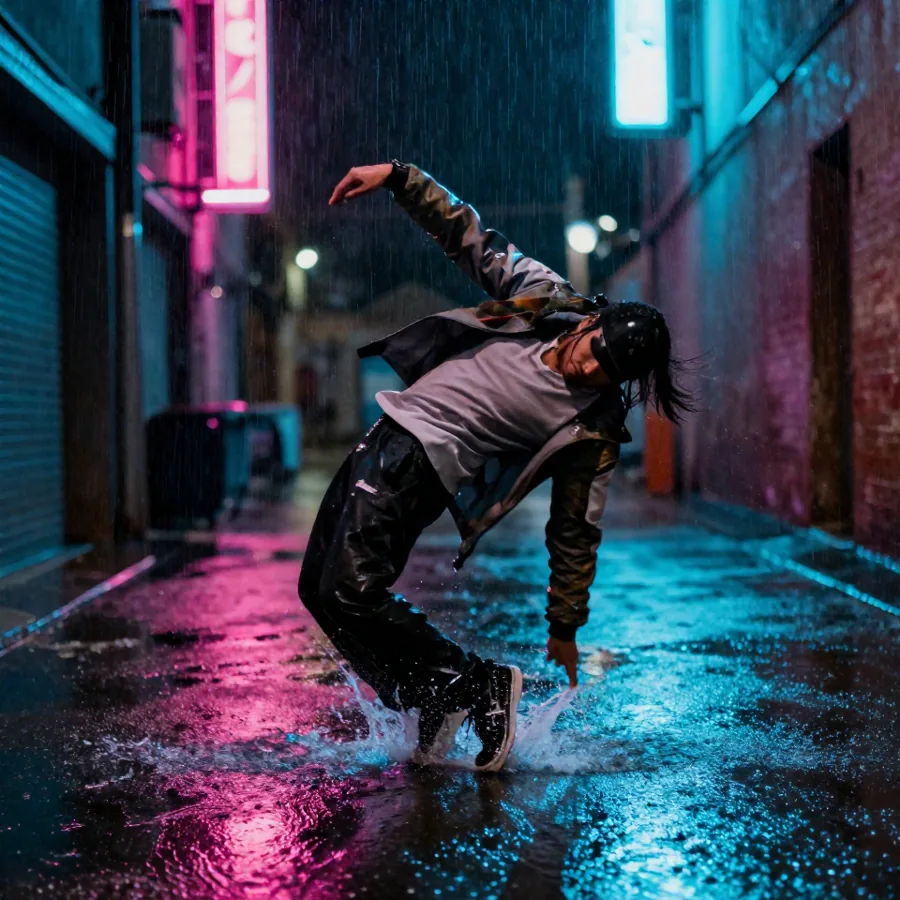
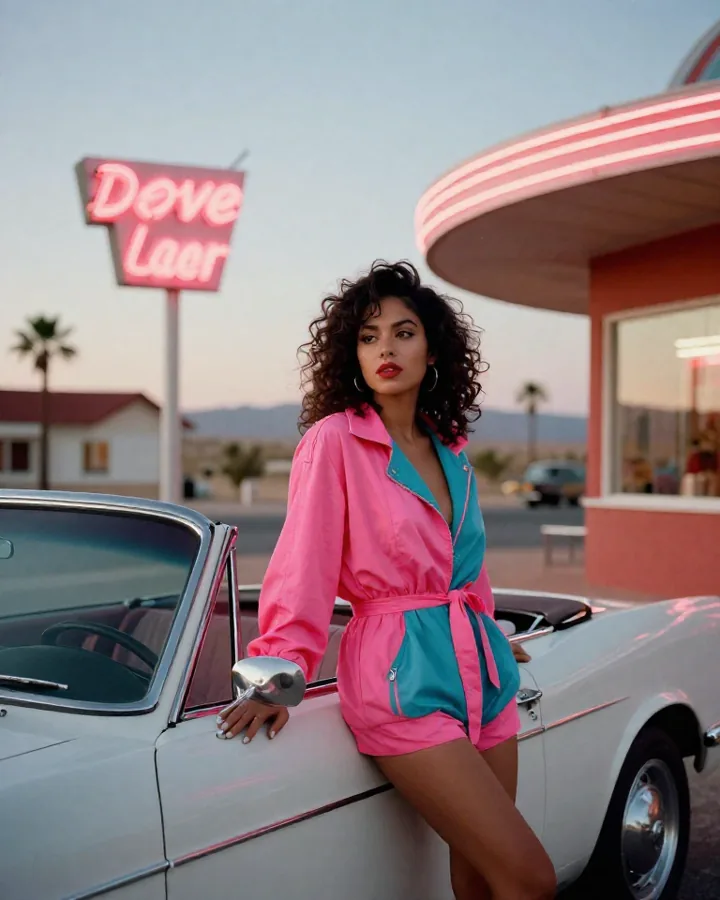
Light does more for the mood than any adjective. “Golden hour”, “soft window light”, “neon reflections on wet asphalt” or “hard midday sun” each change the whole shot. Words like “beautiful” or “cinematic” on their own add little; describe what makes it beautiful instead.
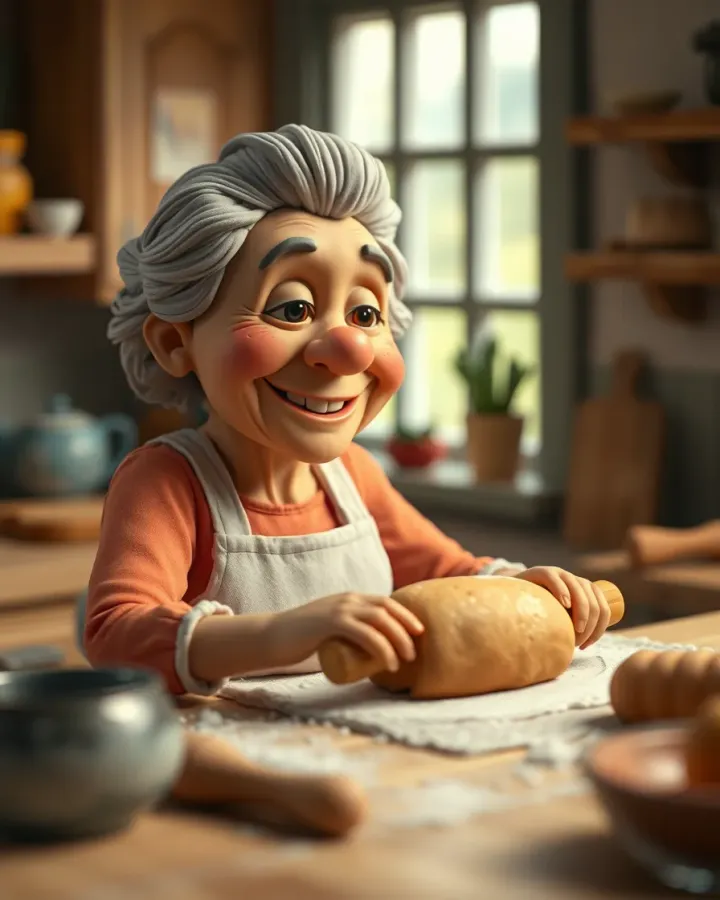
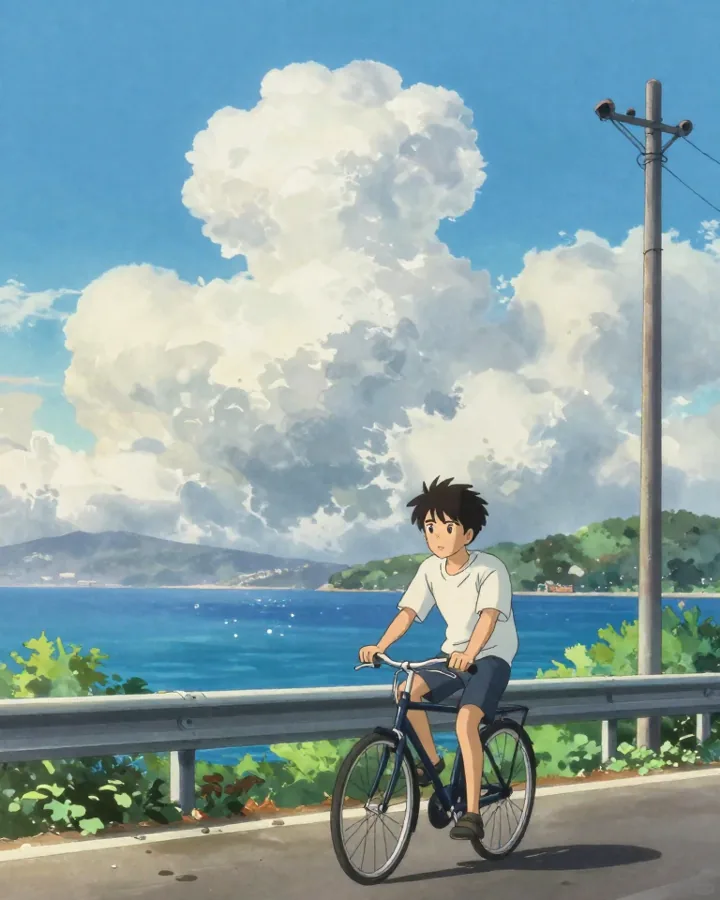
For a style, put it at the very start: “Claymation stop-motion.”, “Hand-painted anime film style.”, “1980s 35 mm film look.” The model then reads everything after it in that style.
Write the sound, and put dialogue in quotes
Veo 3.1, Seedance, Kling 4.0 and most other video models make sound with the picture. Describe it like any other part of the shot: “café chatter”, “rain on a tin roof”, “a single piano note”.
For dialogue, say who speaks and put the exact words in quotes: The old fisherman says: “The sea doesn't care how tired you are.” Keep lines short enough to be spoken in the length of the clip, and give one line to one person at a time. If you'll add your own music, choose a model that lets you switch sound off, like Kling 3.0.
Starting from a picture
With image to video, the picture already shows the subject, the place and the light. Don't describe them again: describe what moves and how the camera follows. “The woman turns to the camera and smiles, her hair moving in the breeze, slow push-in” is a complete prompt when the picture does the rest.
Starting from an image is also the most reliable way to keep a character or a product identical from shot to shot: make the picture once, then animate it as many times as you need.
Mistakes that waste credits
Most failed clips come from the same few habits. Check your prompt against this list before you generate.
- Several actions in one short clip. Split them into shots.
- Contradictions, like “a calm, frantic scene” or “night, bright sunlight”.
- Readable text in the video: signs, labels and captions usually come out wrong. Add text afterwards, or use auto captions.
- Real people, brands and characters you don't own. Invent your own.
- Vague words instead of details: “amazing”, “epic”, “high quality”.
- Prompts that describe a story instead of a shot. Write what the camera sees.
Draft cheaply, then render the final shot
The same prompt often needs two or three tries to get the timing and framing right. Do those tries with a lighter model, such as Seedance 2.0 Fast or Mini, or Veo 3.1 Fast or Lite, at a lower resolution. When the shot works, render it once with the full model at the resolution you need.
In Aventada the button shows the price of every generation before you click, and failed generations are refunded, so you can plan your credits shot by shot.
Examples to copy
Each of these follows the formula. Copy one, change the subject, and keep the structure.
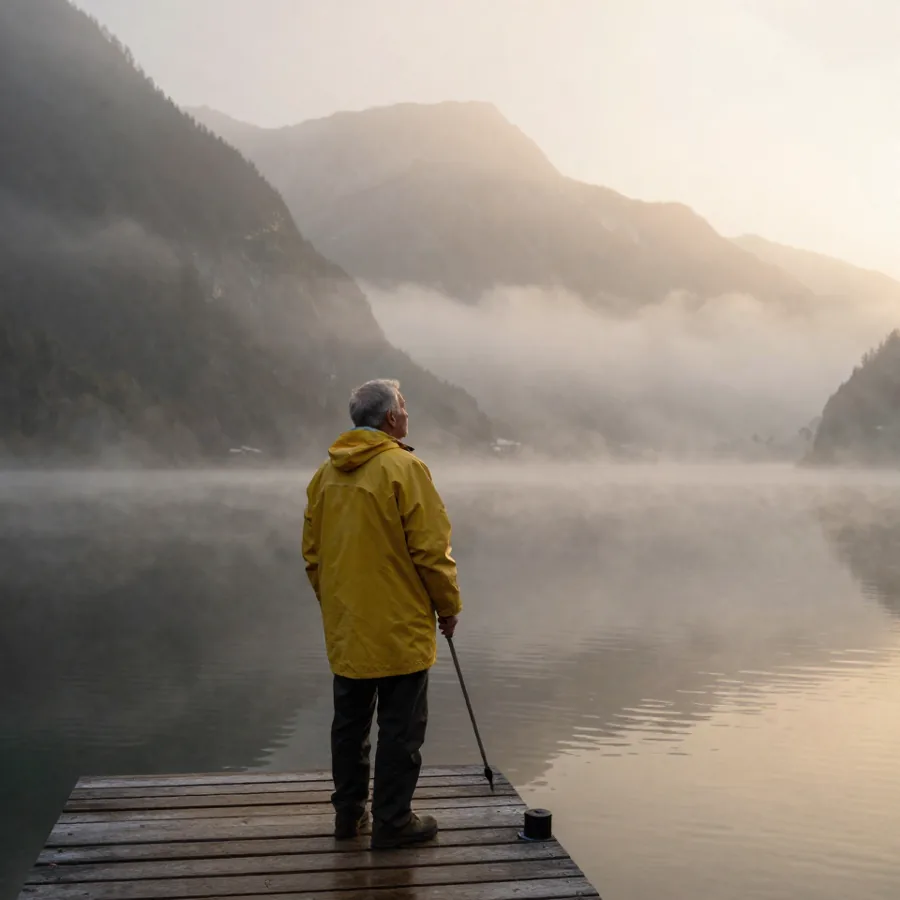
Documentary interview, medium close-up. An old fisherman with a grey beard sits on a wooden dock at sunrise, nets behind him. He looks just off-camera and says: “The sea doesn't care how tired you are. That's why I like it.” Gulls, water lapping, natural light, slight handheld movement.
A skateboarder in a faded green hoodie rolls toward a concrete stair set in an empty plaza, pops a clean kickflip down the stairs and lands it. Slow motion at the peak, low angle, late-afternoon sun. Wheels on concrete, the snap of the board.
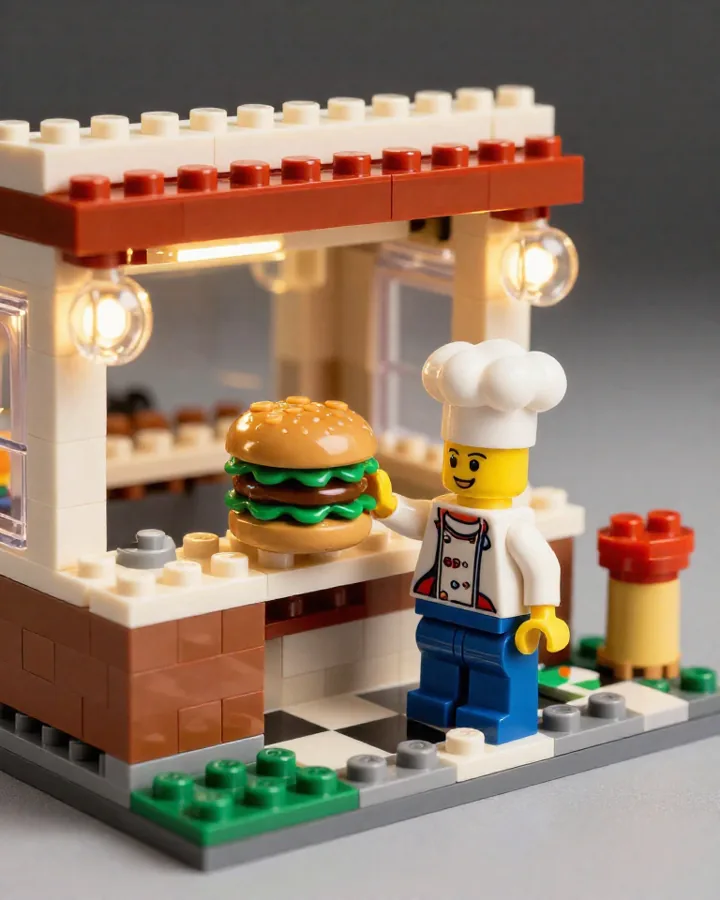
Claymation stop-motion. A plump fox in a tiny striped apron opens the shutters of his miniature bakery at dawn and sets a tray of round loaves on the counter. Handmade plasticine textures, slight stop-motion jitter, warm sunrise light, accordion music.
Vertical phone video. A ginger cat on a tidy desk stares at the camera, then slowly pushes a pen off the edge with one paw. Slow motion on the falling pen, warm desk-lamp light, the soft clack of the pen on the floor.


